

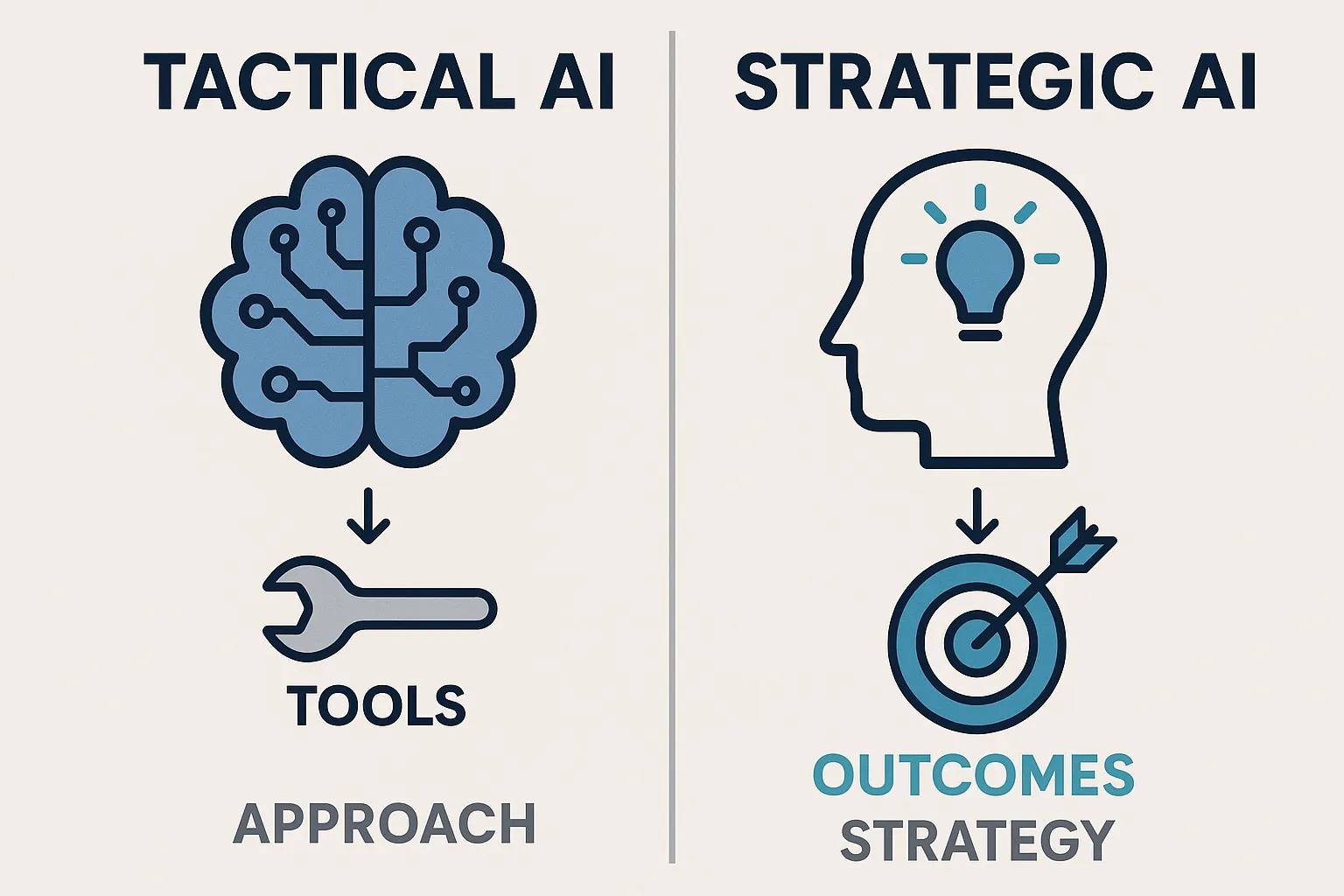
If you are comparing AI workflow automation vs traditional RPA, the useful answer is not “AI replaces RPA.” The useful answer is this: RPA is best for predictable clicks, stable systems, and deterministic rules. AI workflows are better when the work depends on context, unstructured inputs, exceptions, approvals, and judgment.
That distinction matters because most automation programs do not fail on the happy path. They struggle in the messy middle: the invoice with missing fields, the customer email that does not match a keyword rule, the account update that requires policy context, the handoff where a person has to read three systems before deciding what to do next.
The strongest modernization path is usually not rip and replace. Keep traditional automation where it is doing deterministic work well. Add AI workflows around the exception-heavy, context-dependent work that still pulls people back into the process.
The short version
Traditional automation tells a system exactly what steps to follow. AI workflows give a governed agent an objective, the context it is allowed to use, the tools it can call, and the approval boundaries it must respect. That makes AI workflows a better fit for work that changes shape from case to case.
RPA vs AI Workflows: The Practical Comparison
| Decision question | Traditional automation and RPA | AI workflows |
|---|---|---|
| Best fit | High-volume tasks with low variation | Work that needs context, interpretation, or judgment |
| Typical instruction | “Click this, copy that, apply this rule” | “Review the case, assemble evidence, recommend or take the approved next action” |
| Input shape | Structured fields, consistent screens, known formats | Emails, documents, tickets, transcripts, records, and mixed system context |
| Decision logic | Explicit rules and branches | Reasoning inside defined policies, permissions, and escalation rules |
| Exception handling | Queue for human review or add another rule | Investigate, gather context, resolve if allowed, or escalate with evidence |
| Governance model | Deterministic scripts, logs, and access controls | Role-scoped tools, review gates, audit trails, monitoring, and incident paths |
| Failure mode | Breaks when the screen, field, rule, or input changes | Needs guardrails, context quality, and operational review to stay trustworthy |
This is why the comparison should start with the work itself, not the tool category. A stable nightly data sync may not need AI at all. A customer onboarding flow that changes based on contract terms, product configuration, missing documents, and risk policy probably does.
Where Traditional Automation Still Works
Traditional automation remains valuable when the process is stable and the correct action can be defined ahead of time.
Good RPA or rules-based automation candidates usually have four traits:
- The same action repeats often enough to justify automation.
- Inputs arrive in predictable formats.
- The target systems do not change frequently.
- Success can be validated with clear deterministic checks.
Examples include moving data between known fields, generating scheduled reports, applying fixed validation rules, or running a standard update against a stable internal system. If the work is essentially “follow this exact path every time,” RPA can be the right tool.
Do not modernize what already works
If a bot is reliable, inexpensive to maintain, and operating inside a clear control boundary, keep it. AI should be introduced where the current automation leaves expensive manual work behind, not where a deterministic script is already doing its job.
Where RPA Hits Its Ceiling
The RPA ceiling appears when the process stops behaving like a script. These are the moments that create exception queues, brittle maintenance, and quiet manual work around the edges of an automation program.
Interfaces Change
RPA often depends on the shape of a screen. A button moves, a field gets renamed, a security flow changes, or a vendor updates a page layout. The bot may still be “logically” correct, but the interaction it was trained to perform no longer exists.
API-based automation has fewer screen-level problems, but it can still break when schemas, business rules, or downstream assumptions change. Traditional automation handles change by being updated. It does not understand the purpose of the work well enough to adapt on its own.
Exceptions Become the Real Process
Many automation programs look successful until you inspect the work left for people. The bot handles clean cases. People handle everything else. Over time, the exception path can become the actual operating process: employees resolve mismatches, interpret documents, chase missing information, and decide whether a case is safe to move forward.
That is not a small cleanup task. It is the judgment layer of the workflow.
Context Lives Outside the Bot
Traditional automation can only act on the data it was given or the fields it was explicitly connected to. But many business decisions depend on context: customer history, contract language, policy documents, prior tickets, account notes, risk flags, or team-specific rules.
When that context lives across systems and documents, rules-based automation tends to push the work back to humans. They are the ones who know where to look and how to weigh conflicting information.
Rules Multiply Faster Than Confidence
Every new exception can lead to another rule. Then another. Eventually the workflow becomes a maze of branches that only a few people understand. The automation may still run, but teams become cautious about changing it because no one wants to trigger an unexpected downstream effect.
That is a sign the process needs a different architecture: one that separates policy, context, reasoning, permissions, and review instead of burying every decision inside procedural logic.
What AI Workflows Add
An AI workflow is not just an RPA bot with a language model attached. A production AI workflow has a goal, a context layer, tool access, permissions, review gates, logs, monitoring, and a clear owner.
That architecture changes what can be automated.
They Interpret Unstructured Work
AI workflows can read the material that traditional automation struggles with: emails, PDFs, contracts, support threads, meeting notes, invoices, forms, and internal documentation. The point is not that the model “knows” the answer by itself. The point is that the workflow can gather the right evidence, compare it with policy, and prepare a decision for the next step.
For example, a traditional invoice bot might copy fields from a known layout into an ERP. An AI workflow can first classify the invoice, compare it with purchase order and receiving context, identify what is missing, draft a clarification request, and route only the unresolved decision to a human reviewer.
They Work Inside Guardrails
AI workflows should not be free-form agents roaming through business systems. They should operate inside explicit boundaries:
- Which records they can read.
- Which tools they can call.
- Which changes they can draft.
- Which actions require approval.
- Which cases must always escalate.
- Which evidence must be logged.
This is where AI Agents & Workflows differs from a demo. The workflow needs a role, a job, a permission model, and a review surface that matches the real business process.
They Make Exception Handling Inspectable
The best AI workflow does not hide judgment. It makes judgment easier to inspect.
Instead of sending a vague “failed automation” item to a queue, the workflow can show what it found, what policy or record it used, what it recommends, what confidence or uncertainty it has, and what it needs from a person. That turns escalation from a dumping ground into a prepared decision.
They Can Improve Under Operations
Traditional automation improves when someone edits the rules. AI workflows improve when teams review outcomes, inspect failure patterns, update context, adjust prompts and policies, refine evals, and tune escalation paths.
That is an operational discipline, not a one-time build. The workflow needs ownership after launch, which is why Continuous AI Operations matters as much as the initial implementation.
The Modernization Pattern: Keep the Bot, Add the Judgment Layer
In many organizations, the practical answer is hybrid. RPA continues to perform stable system actions. AI workflows handle the parts that require understanding, evidence assembly, and controlled judgment.
flowchart TD
    A[Work item arrives] --> B{Clean deterministic case?}
    B -->|Yes| C[RPA or rules-based automation]
    C --> D[System update]
    B -->|No| E[AI workflow assembles context]
    E --> F[Policy and permission check]
    F --> G{Allowed to resolve?}
    G -->|Yes| H[Draft or perform approved action]
    G -->|Needs review| I[Human approval with evidence]
    H --> J[Logged outcome]
    I --> J
    J --> K[Monitoring and improvement loop]
This pattern protects existing automation investments while removing the work that made them feel incomplete. The AI workflow does not need to own every action. It can prepare better inputs for the bot, resolve known exception types, draft human-approved changes, or decide when a case should bypass automation entirely.
How to Evaluate Your First RPA-Adjacent Workflow
Do not start with the broad question, “Where can we use AI?” Start with the narrower question, “Where does traditional automation repeatedly hand work back to people?”
RPA modernization screen
Use this screen before choosing a first AI workflow. The best candidates are not the flashiest processes; they are the places where exceptions, context gathering, and review work are already visible.
Question: Where does automation stop?
- Evidence to collect
- Exception queues, manual workarounds, rework notes, ticket tags, and owner complaints.
- Modernization signal
- Strong candidate when people repeatedly investigate the same class of unresolved case.
Question: What context do humans gather?
- Evidence to collect
- Systems opened, documents checked, policies referenced, messages sent, and approvals requested.
- Modernization signal
- Strong candidate when the work is less about clicking and more about assembling evidence.
Question: Can the decision boundary be defined?
- Evidence to collect
- Actions the workflow may take, actions it may draft, and actions that must always escalate.
- Modernization signal
- Strong candidate when safe autonomy and review gates can be described clearly.
Question: Is the outcome measurable?
- Evidence to collect
- Cycle time, backlog age, escalation quality, rework, approval rate, or manual touches.
- Modernization signal
- Strong candidate when the operating owner can inspect progress weekly.
Question: Will the context stay reliable?
- Evidence to collect
- Source-of-truth records, policy owners, retrieval paths, and update cadence.
- Modernization signal
- Strong candidate when context can be maintained instead of scraped together case by case.
If those answers are fuzzy, run Opportunity Mapping before building. A good map turns “we need AI automation” into a funded workflow with a trigger, owner, output, review path, risk boundary, and metric.
The Context Engineering Foundation
AI workflows are only as reliable as the context they can use. If the workflow cannot tell which system owns a field, which policy is current, which customer record matters, or which action is permitted, it will produce work that looks polished but cannot be trusted.
Context Engineering gives the workflow a usable operating environment:
- Source-of-truth rules for records and documents.
- Retrieval paths for policies, examples, and prior decisions.
- Permission boundaries by role, data type, and action.
- Evidence display for reviewers.
- Write-back rules for approved changes.
- Freshness checks when policies or systems change.
This is one of the biggest differences between a chatbot and an operational workflow. The workflow is not merely answering a question. It is preparing or taking action inside a business process, so the context layer has to be designed with the same seriousness as the automation itself.
A Practical Transition Plan
If you already have traditional automation or RPA in place, use a staged transition instead of a wholesale replacement plan.
1. Audit the Exception Path
List the places where automation stops, retries, fails silently, or hands work to a person. Do not only count volumes. Look at why the work returns to humans: missing context, ambiguous policy, unstructured input, system mismatch, risk review, or approval ownership.
2. Preserve the Deterministic Core
Keep the parts that are stable and auditable. A mature AI workflow often hands clean work back to deterministic automation for final system updates. This keeps the system efficient and reduces unnecessary risk.
3. Build the Context Layer
Before giving an AI workflow authority, define the records, documents, policies, examples, and permissions it can use. Decide what must be shown to reviewers and what must be logged for audit.
4. Add the AI Workflow Around One Bottleneck
Start with one narrow workflow where the current manual burden is visible. The first build should prove that the workflow can prepare better decisions, reduce avoidable handoffs, and respect approval boundaries.
5. Operate It After Launch
Monitor the workflow like production software. Track escalations, reviewer overrides, context misses, tool errors, incident paths, and business outcomes. Improve the workflow from observed behavior instead of assuming the first version is finished.
When AI Workflows Are the Wrong Move
AI workflows are powerful, but they are not a default answer for every automation problem.
Use traditional automation or ordinary integration work when:
- The process is deterministic and stable.
- A direct API integration would solve the problem cleanly.
- The desired action has no meaningful judgment step.
- The data is not ready and no owner can maintain it.
- The business cannot define approval boundaries.
- The risk of a wrong action is high and no review path exists.
In those cases, AI may add complexity without improving the process. The right sequence may be API modernization, data cleanup, policy clarification, or workflow ownership before any agent is introduced.
Turn the Automation Decision Into a Production Workflow
Once you know which work belongs in RPA, which work needs integration cleanup, and which work needs an AI judgment layer, the next step is to design the production workflow around ownership, controls, and measurement.
The work usually starts by identifying the first workflow worth modernizing through Opportunity Mapping. From there, we design the context layer, build the agentic workflow, connect it to the systems it needs, and create the review and monitoring model required for production use.
The practical rule is to match the automation pattern to the work:
- Deterministic tasks stay deterministic.
- Context-heavy exceptions become AI workflow candidates.
- High-risk actions receive approval gates.
- Outcomes are monitored after launch.
- The operating owner gets a workflow they can trust and improve.
That is the real difference between traditional automation and AI workflows. RPA automates a path. AI workflows operationalize a decision.
Identify the First RPA Workflow to Modernize
Bring the exception queue, brittle handoff, or manual review loop that keeps surviving your automation roadmap. We will help you decide whether it needs RPA, integration work, or a governed AI workflow.
Frequently Asked Questions
What is the difference between AI workflow automation and traditional RPA?
Traditional RPA automates explicit steps, often by mimicking user actions in software interfaces. AI workflow automation handles work that requires interpretation, context gathering, policy checks, recommendations, approvals, and tool use. RPA is strongest when the path is stable. AI workflows are strongest when the right path depends on the case.
Should we replace our existing RPA bots with AI workflows?
Usually no. If an RPA bot is reliable, controlled, and inexpensive to maintain, keep it. Use AI workflows where RPA leaves unresolved exceptions, manual review, unstructured documents, or context-heavy decisions. Many modernization programs end up with a hybrid architecture: deterministic automation for clean cases and AI workflows for the judgment layer.
When is RPA better than an AI workflow?
RPA is often better when the task is repetitive, high volume, low variation, and attached to stable systems. Examples include moving known fields between systems, generating standard reports, running fixed validations, or performing a predictable update that does not require judgment.
When is an AI workflow better than RPA?
An AI workflow is a better fit when the process involves unstructured inputs, missing information, policy interpretation, multi-system context, exception handling, or human approvals. The more the process depends on understanding the case before acting, the more likely it is to benefit from an AI workflow.
How do AI workflows stay governed and auditable?
Production AI workflows need explicit permissions, tool scopes, review gates, logs, evidence display, and escalation rules. A well-designed workflow should show what context it used, what action it recommended or took, who approved it when approval was required, and how the outcome is monitored after launch.
Where should we start if our RPA program has too many exceptions?
Start by auditing the exception path. Identify where the bot stops, what information humans gather, which decisions they make, and what approval boundaries exist. The first AI workflow should target one visible bottleneck with a clear owner, measurable outcome, and safe review model.
Can AI workflows work with existing RPA platforms?
Yes. AI workflows can prepare cleaner inputs for existing bots, resolve exception types before they reach a queue, draft actions for approval, or decide which cases should continue through deterministic automation. The goal is to use each layer where it fits rather than forcing one tool to own the entire process.